
OWANDY X-Ray Technical Service
Dental Panoramic Cephalometric Tomographic X-ray
You can request 24/7 technical support by calling +49 1522 2732423 or contacting us via WhatsApp.
No matter where you are in the world, we provide remote support for Panoramic and Tomographic X-ray software malfunctions.
We provide remote and on-site technical support worldwide.
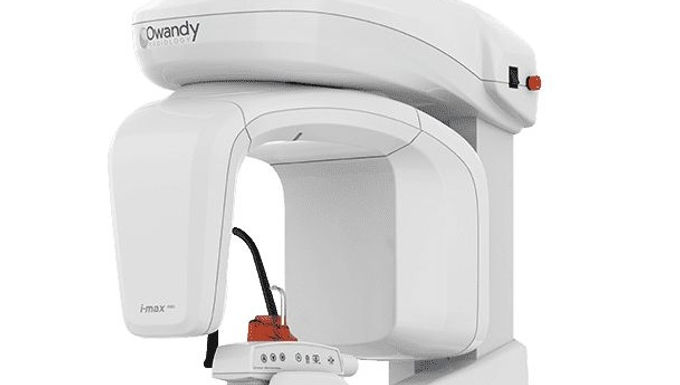
OWANDY PANORAMIC X-RAY ERROR CODES
E000 ÷ E199 Call the Technical Assistance Service
E110 Battery fault
E200 ÷ E299 Errors apply to the rotation motor
E300 ÷ E399 Secondary collimator of the Digital CEPH.
E320 ÷ E323 Errors are related to the primary collimator.
E340 Sensor holder not in PAN position
E360 / E361 X-ray button pressed during start up or axis movement
E362 X-ray button released during examination
E367 Sensor connection lost
E400 ÷ E402 Soft Tissue Filter of the Digital CEPH
E700 ÷ E799 Error codes refer to the X-rays generation
E755 Safety Backup Timer intervention
E774 X-rays button not pressed
E775 X-rays button released prematurely
E850 ÷ E852 Errors signal abnormal situations due to the operator's interface
E851 Column key pressed
E852 Key "Patient Entrance" pressed during the movement
X-ray technical service, new and used X-ray sales needs, as well as X-ray troubleshooting, maintenance, repair, installation, and remote assistance requirements, please feel free to contact us 24/7.